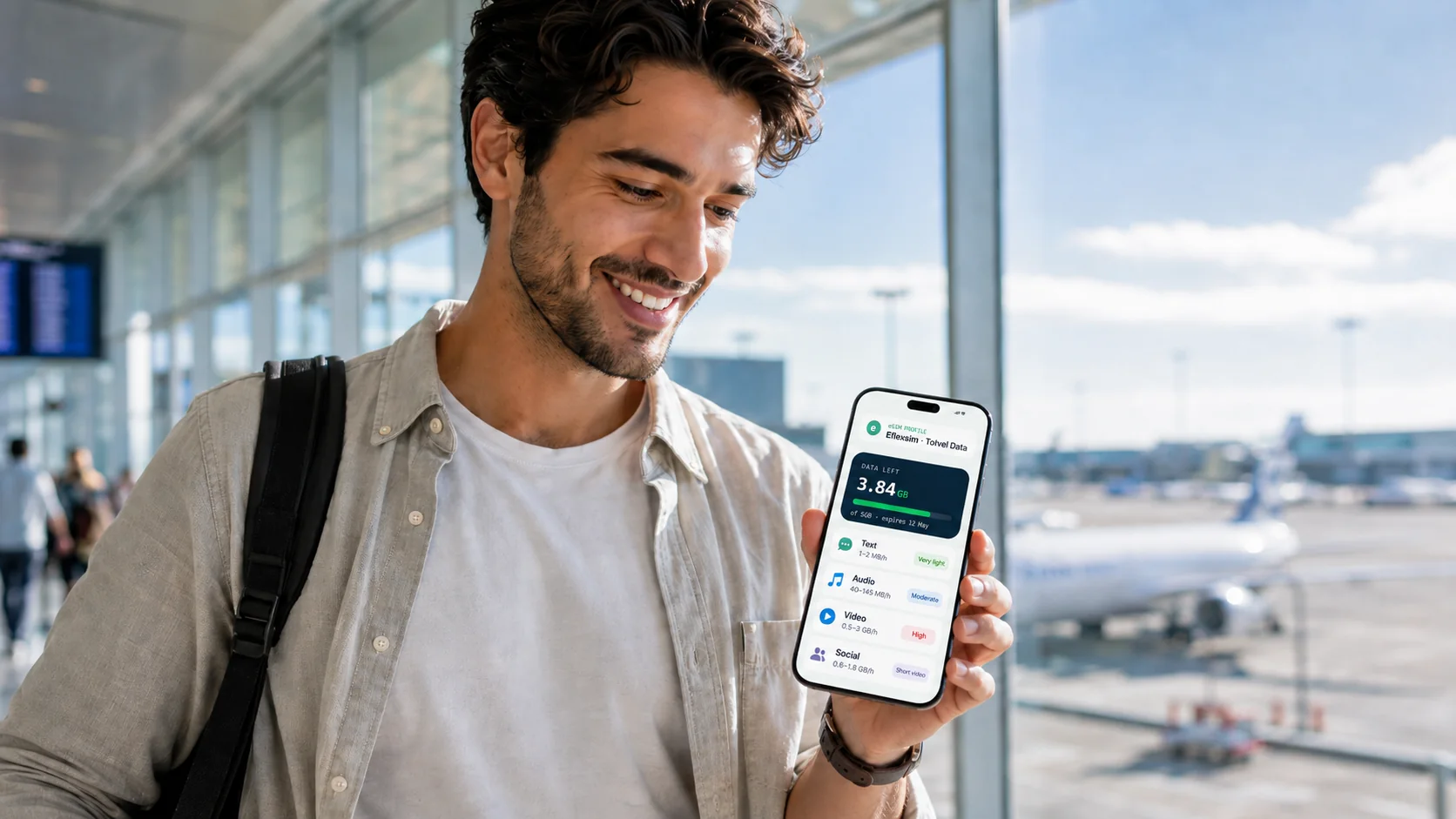
Most travelers need less data than they expect. A week of maps, messaging, and browsing fits comfortably in 1–3 GB; add daily music and photo-based social media and 5 GB is the safe choice; only daily video, Reels/TikTok, or streaming on the move pushes you to 10 GB or more.
A number like "5 GB" doesn't tell you much on its own. What you really want to know is what it buys you — how many hours of maps, how many evenings of video, how many days of scrolling before it's gone. The easiest way to figure that out isn't to go app by app. It's to look at what kind of thing you're doing: text, audio, and video each behave very differently.
The one thing worth remembering
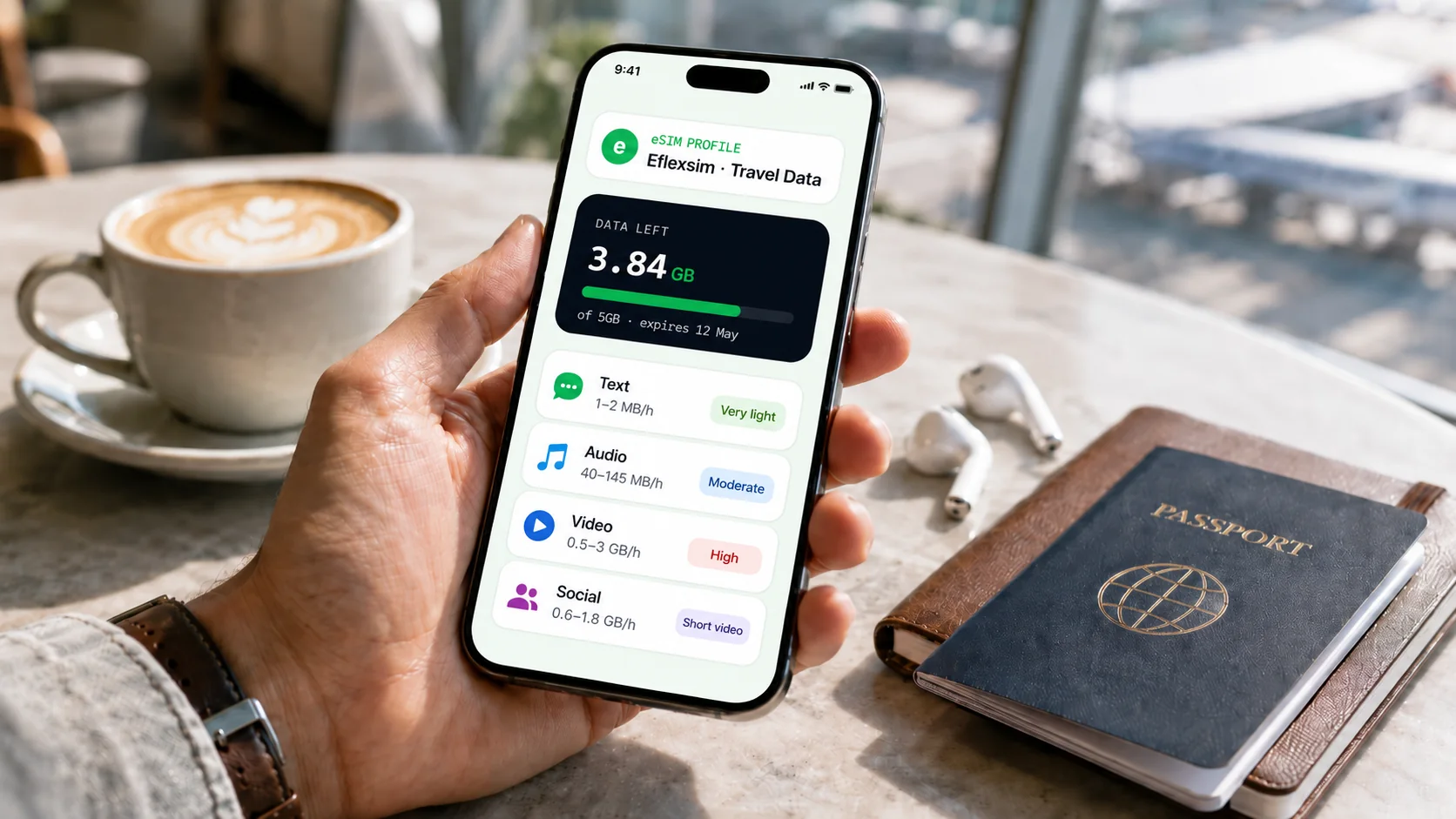
Almost everything comes down to a simple order: text is cheap, audio is light, video is expensive.
Reading a message or following a map barely registers. Streaming music costs a little more. Watching video — in any app — is where your data actually goes, and high definition makes it go faster. Keep that in mind and most of what follows won't surprise you.
Browsing, maps, and reading
For a lot of trips this is most of what you do, and it hardly dents a plan. Web searches and browsing are light — an hour usually stays under 100 MB. Maps surprise people: active GPS navigation runs about 5–10 MB an hour, so you could navigate for five hours and still use less than a few minutes of HD video. Download the map area on Wi-Fi first and it costs almost nothing. Reading news, articles, and ebooks is mostly text, which weighs nothing.
Messaging and calls
Messaging is light, with one exception. Texts are basically free in data terms; voice calls aren't much heavier, around 30–50 MB an hour. The exception is video calls, which run roughly 200–300 MB an hour — fine occasionally, but a daily video chat home adds up over a trip.
Music and audio
Music sits above messaging but well below video. On a streaming app, normal quality is around 40 MB an hour; the highest setting roughly triples that. An hour a day at normal quality is only about 1.3 GB across a whole month. Podcasts and audiobooks are lighter still.
Social media
Social apps are the hardest to pin down, because they mix light and heavy content in one feed — it comes down to how much video you watch. A photo feed is manageable, roughly 100–200 MB an hour. Short-form video is the part that hurts: Reels and TikTok can run from 600 MB to nearly 2 GB an hour, and they auto-play the next clip on their own — so a "quick scroll" becomes a gigabyte before you notice.
Video streaming
If a plan runs out, streaming is usually why. In standard definition, an hour of video is roughly 0.5–1 GB, so a 90-minute film is 1–1.5 GB — a quarter to a third of a 5 GB plan in one sitting. Switch to HD and you can triple that. Which is the whole argument for streaming on Wi-Fi and saving mobile data for what you can't do any other way.
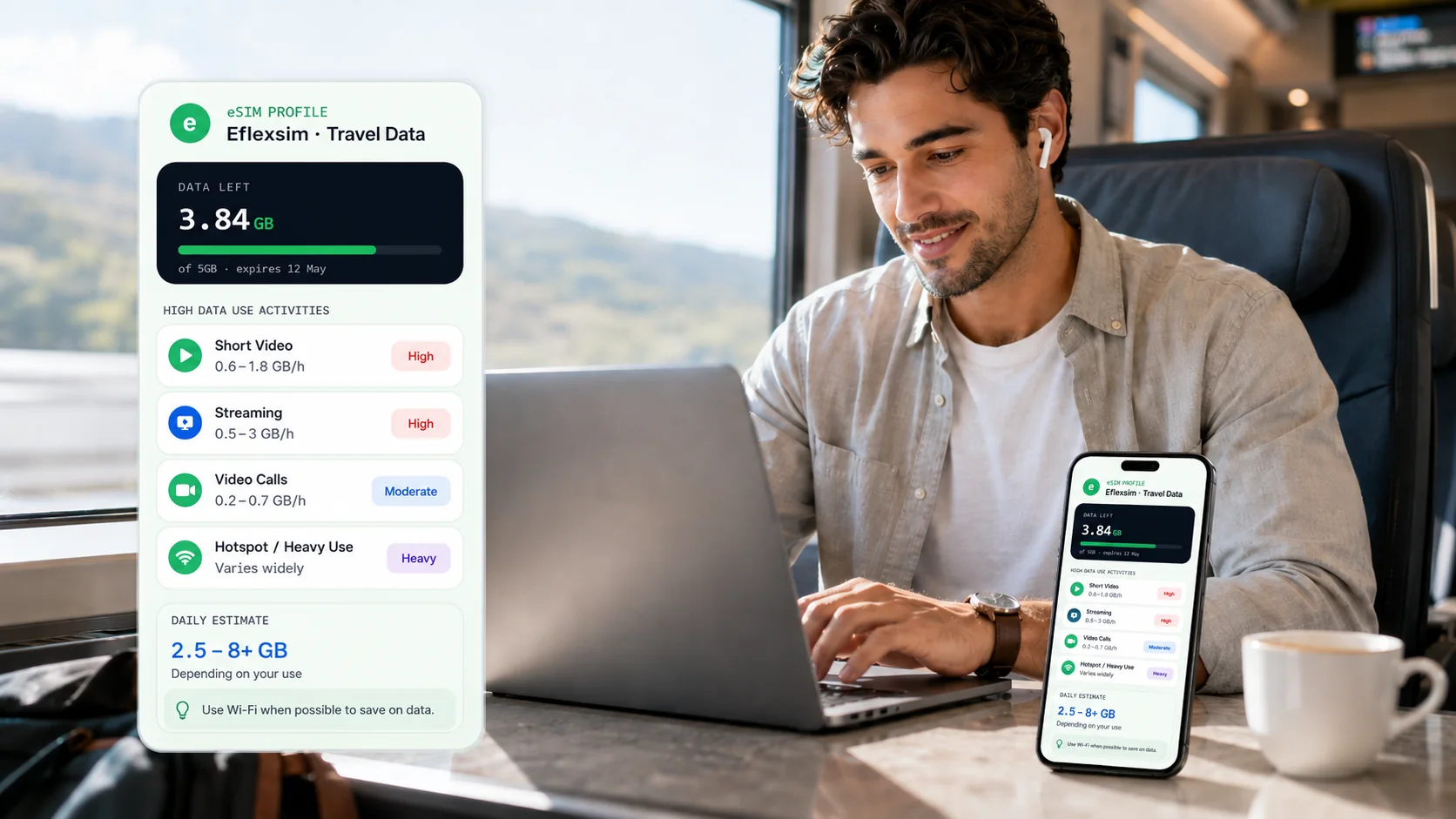
Quick comparison
Rough data per hour, lightest to heaviest:
So which plan do you need?
It mostly comes down to matching the plan to what you actually do:
- Mostly maps, searches, reading, messaging, the odd call: ~100–300 MB a day. A small 1–3 GB plan sees out a week.
- Add daily music and photo-based social: a few hundred MB a day. 5 GB is the comfortable choice for normal use.
- Into Reels or TikTok, or scrolling much of the day: a gigabyte or more daily. 10 GB for a week or two away.
- Streaming on the move, working remotely, or sharing a hotspot: plans disappear fast — 20 GB+, or save the heavy stuff for Wi-Fi.
How to stretch your data
A few small habits go a long way. The biggest: turn off video autoplay in your social apps — those clips are the most expensive thing there, and they start without you asking. Drop streaming quality to standard on mobile data and keep HD for Wi-Fi. Use voice calls instead of video when you don't need the camera. And download music, podcasts, and maps on Wi-Fi before you go.
Pick a plan that fits
With eFlexsim, you choose a travel eSIM plan based on your destination and how you actually use your phone — and you can see the data, validity, and price before you buy. Mostly browsing, messaging, and music? A smaller plan is plenty. Watching a lot of video? A bigger one saves you topping up halfway through. If you want to understand how long a plan stays valid, see our guide on how long your data lasts.