
Your travel data,
in your pocket.
Buy a plan, install your eSIM with one tap on iPhone, and always know how much data you have left. The eFlexSim app, free on the App Store and Google Play.


- Free download
- Same account as the website
- 200+ destinations
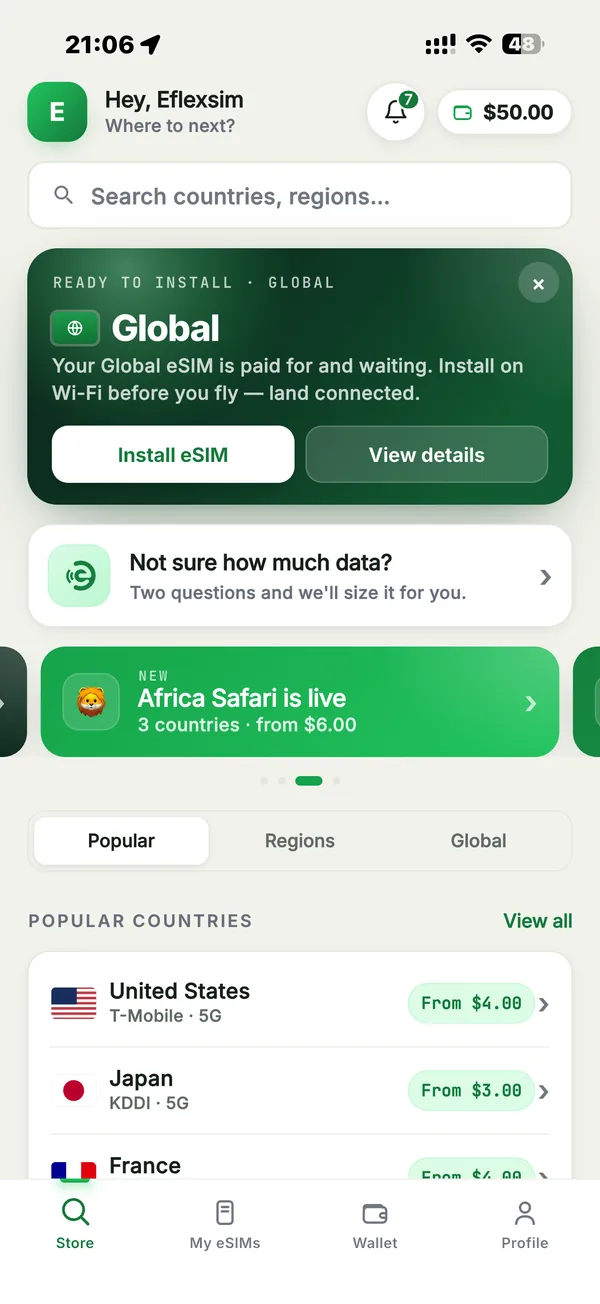
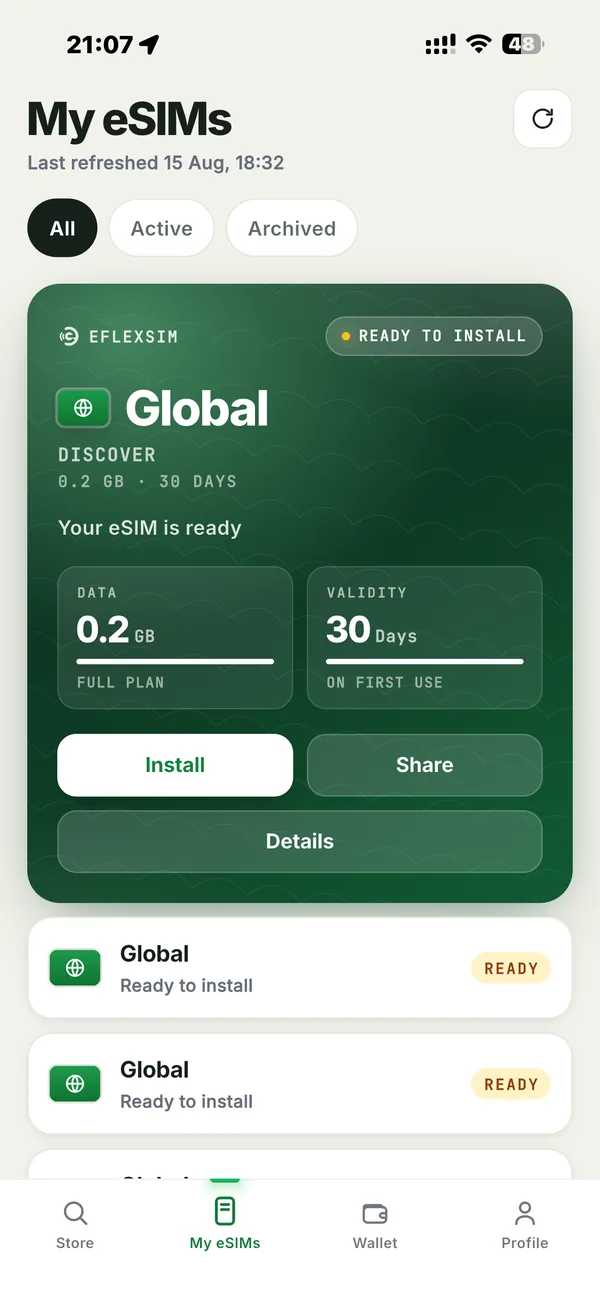
- Find a plan in secondsSearch 200+ countries and regions
- Pay in one tapApple Pay, Google Pay or card, saved securely
- Install with one tapOn iPhone, no QR scanning needed
- See what's leftData and days, always up to date
Everything you need for your trip, one tap away
The website still works for everything. The app just makes it faster, especially when you're already on the road.
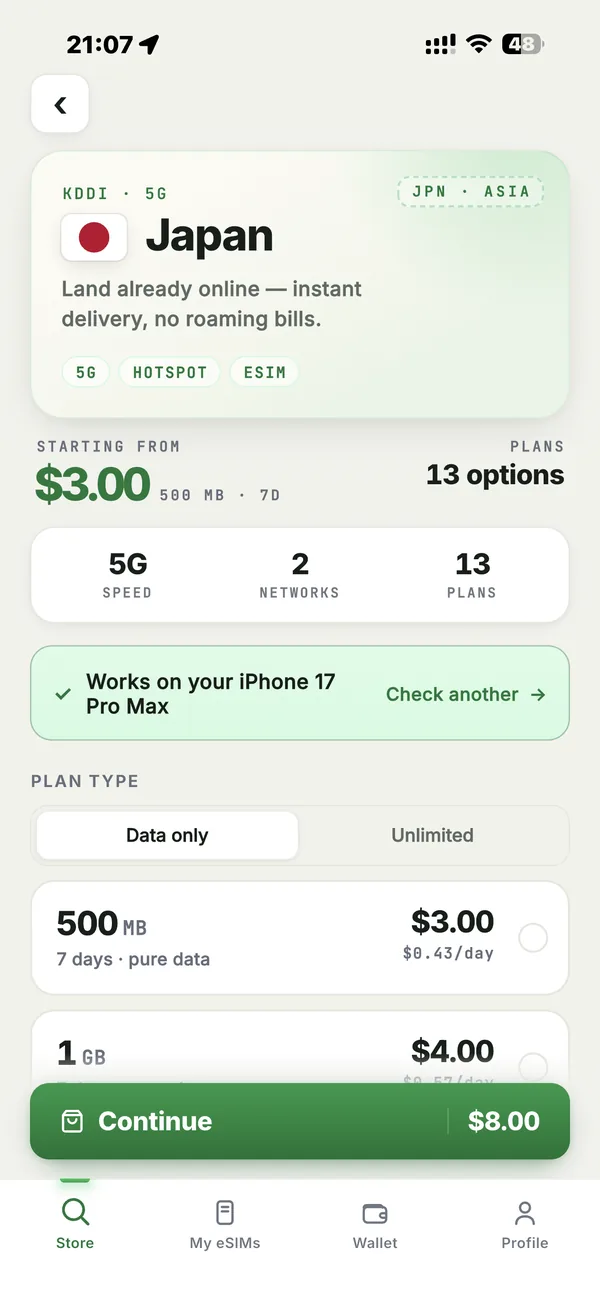
Pick your destination, see every plan at a glance
Search any country or region and compare plans side by side: data, days, network and price, before you commit.
- 200+ countries, regional and global plans
- Checks your phone is eSIM-compatible
- Data-only and unlimited plans
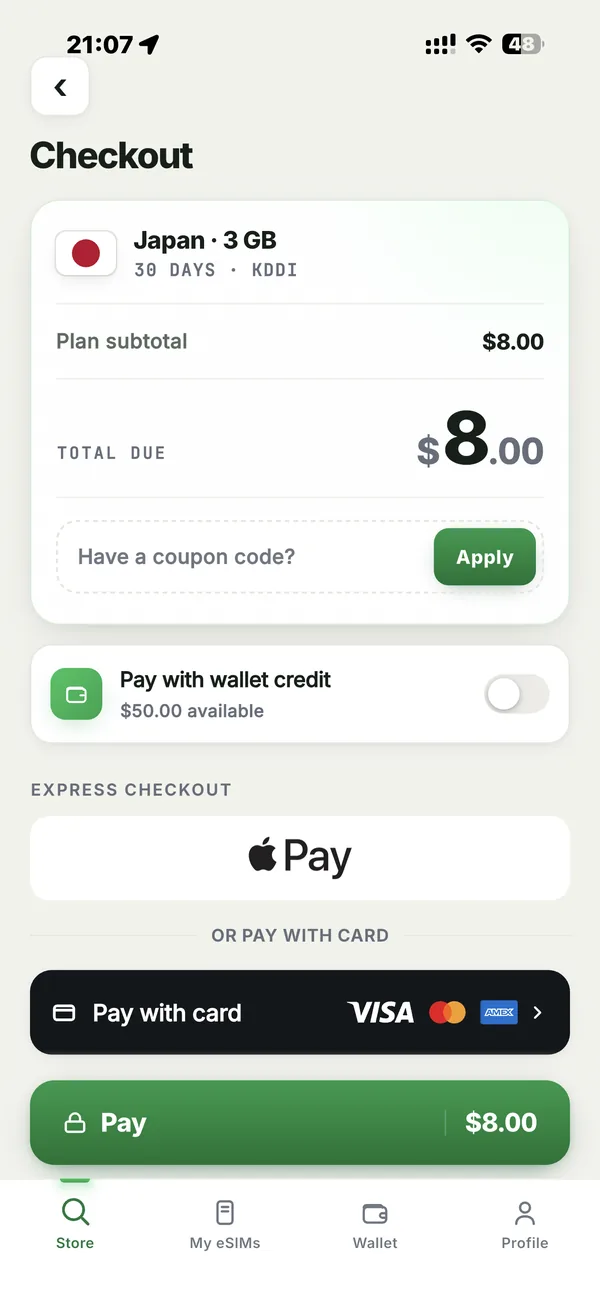
Checkout in seconds with Apple Pay
No forms to fill in on a tiny screen. Pay with Apple Pay, Google Pay or a saved card, and use your wallet credit or a coupon code.
- Apple Pay, Google Pay and all major cards
- Pay with your wallet credit
- Coupon codes at checkout
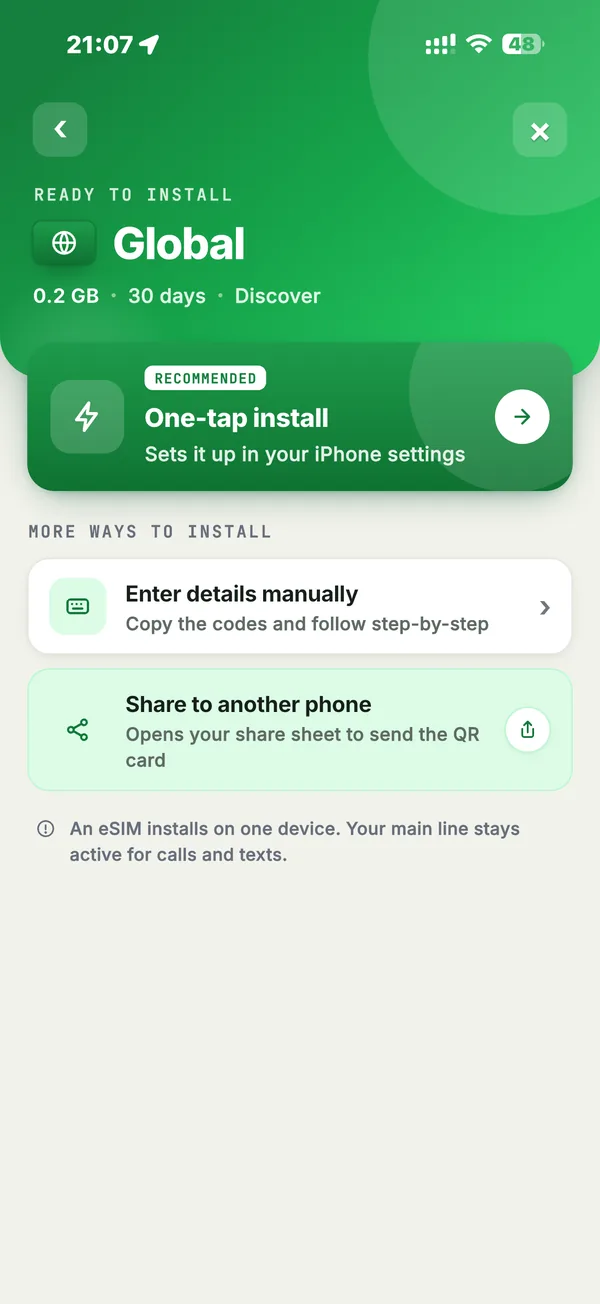
One tap installs your eSIM on iPhone. No QR code needed
Your iPhone sets up the eSIM directly from the app. On Android, or if you prefer another way, manual codes and sharing to another phone are one tap away too.
- One-tap install on iPhone
- Manual codes as a backup
- Install before you fly, activate when you land
Always know what's left, and top up in one tap
See your remaining data and days for every eSIM. Running low? Add more data to the same eSIM without reinstalling anything.
- Data and days left, per eSIM
- Top up the same eSIM in one tap
- All your eSIMs in one place
Rewards and help, built in
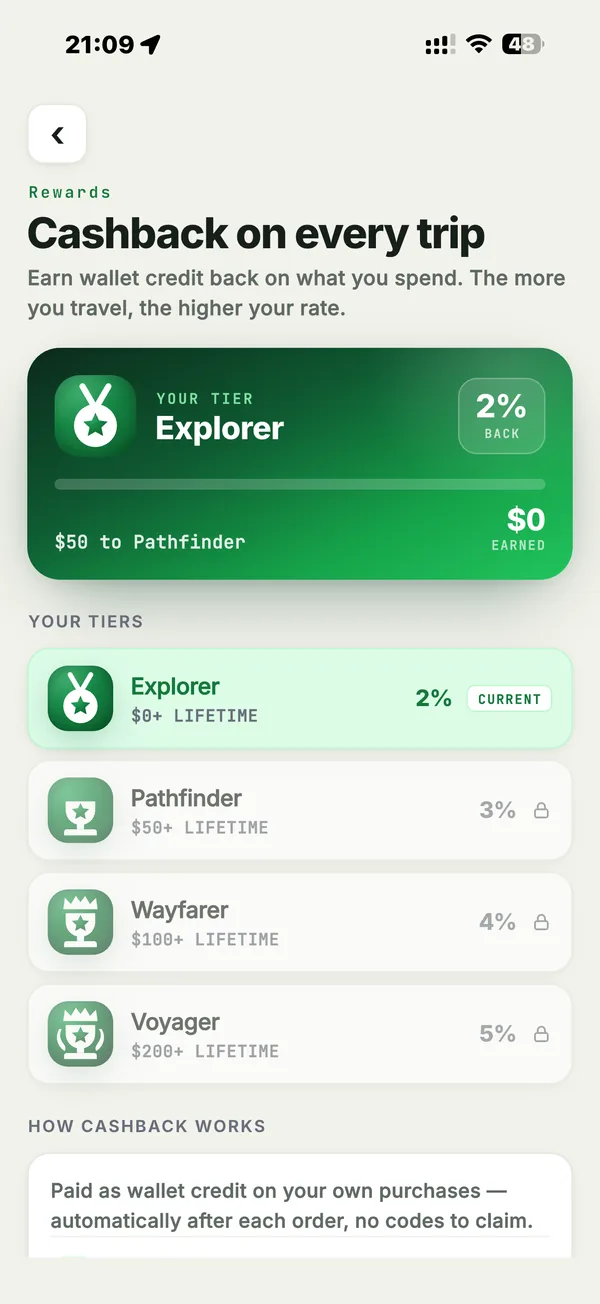
Earn on every trip
Get wallet credit back on your own purchases, automatically after each order. The more you travel, the higher your rate.
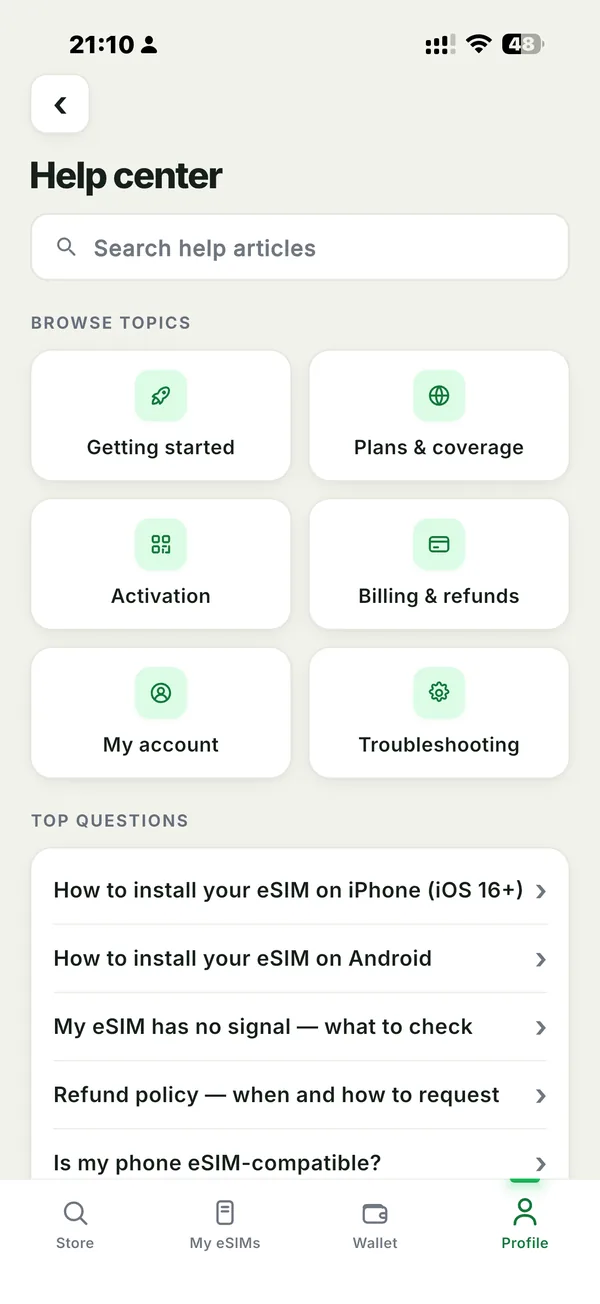
Answers in your pocket
Step-by-step install guides and fixes for common problems, plus a direct way to reach our team if you're stuck.
Bought on the website? It's already in the app
Your eFlexSim account works on both. Nothing to move, nothing to set up again.
- 1
Download the app
Free on the App Store and Google Play.
- 2
Sign in with the same email
Use the email you ordered with on the website, or Apple / Google.
- 3
Your eSIMs are there
Every plan you bought appears in My eSIMs, ready to install or top up.
Questions
Is the app free?
Yes. Downloading and using the app is free. You only pay for the eSIM plans you buy.
Do I need the app to use an eSIM?
No. You can buy and install from the website, and your eSIM works the same either way. The app just makes it quicker to check your data and top up while you travel.
Which phones does it work on?
iPhone with iOS 15 or later, and Android phones with Android 7.0 or later. Your phone also needs to support eSIM. Check compatibility.
I bought on the website. Will my eSIM show in the app?
Yes. Sign in with the same email you used to order and it appears in My eSIMs.
Is paying in the app secure?
Payments are handled by our certified payment provider. We never see or store your full card number.
Take eFlexSim with you
Free on iPhone and Android.